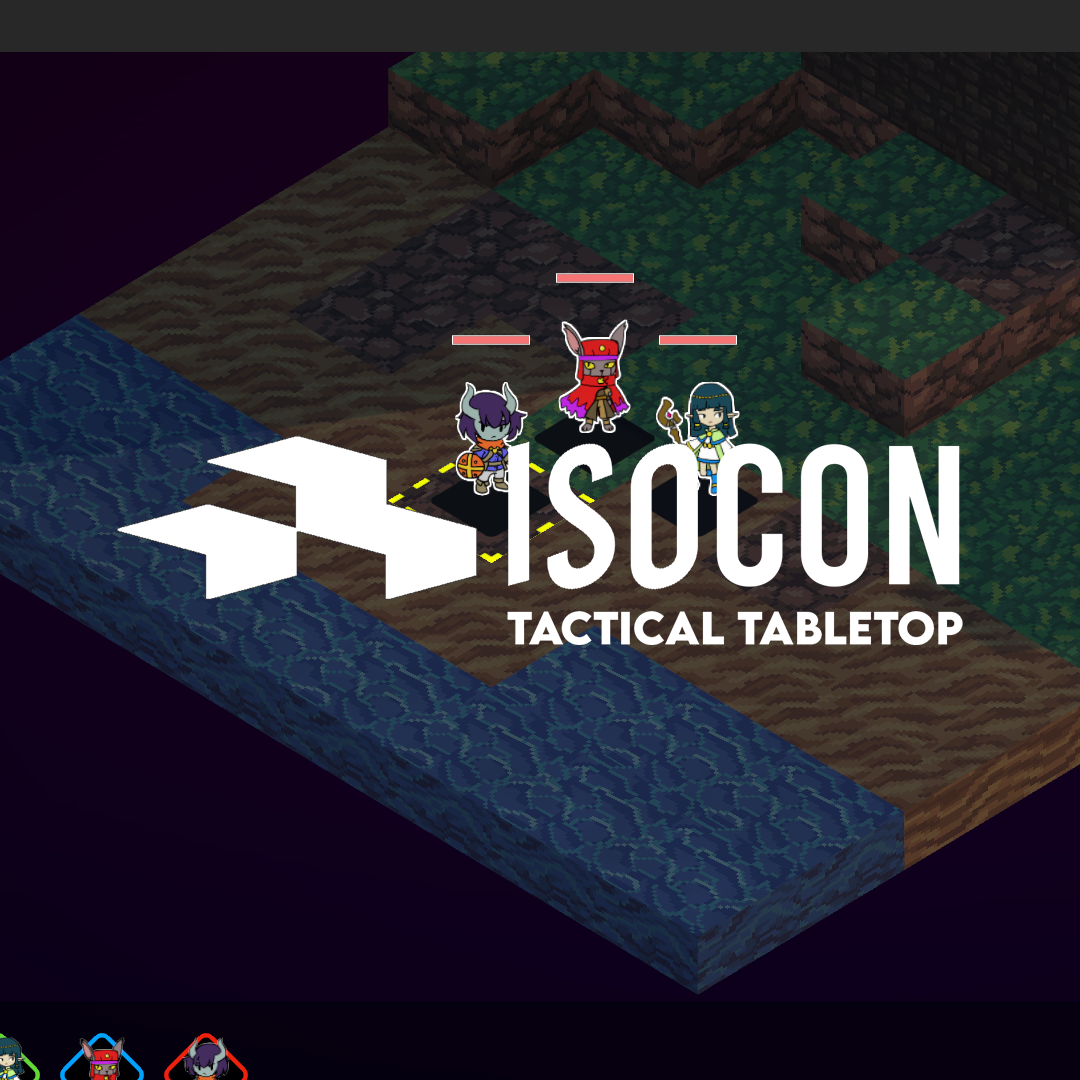
Isocon is a virtual tabletop custom-made for games with turn-based combat where positioning, elevation, and line of sight matters. With a low learning curve and easy to use tools, you can create 3d terrain about as quickly as you could draw on a battlemat, or spend the time to really set the stage with painting and environmental controls.
This is the v0.7 beta release. As such, please feel free to create issues in the queue or contact me (see below).
Connections are made via P2P, which means no signups, no services, no costs! However, this comes at the cost of requiring a bit of networking know-how. If you are hosting a table online, you may need to enable port forwarding on port 7777. You'll need to find and share your global IP with your players. If you are hosting on a LAN, you only need to share your local IP address, which should be visible in the connection sidebar. You may also need to disable your VPN if you're using one.
IsoCON does not include any default tokens. Custom tokens can be loaded from any PNG on your device. For ICON, consider the artwork from the PDF, available at the ICON discord (https://discord.com/channels/426286410496999425/871618578489684018/1127608333902291034). IsoCON will handle copying your tokens to other clients automatically. Copied tokens can be found in the data directory under /hashed-tokens. Do not rename hashed-tokens.
- Create a system Class Create a new class file in Assets/Scripts/GameSystems. This class will extend the base GameSystem class. Look at the other files for examples. This is where the bulk of the work will be done and will be detailed later.
- Add the system to the launcher
Look for a comment in Assets/Scripts/System/LauncherState that says "Game Systems Entry Point" and edit the dropdown options to include the name of your game system. If your game system uses a hex grid, look for a comment that says "Game System Grid Type" and add your system to the hex condition - Register the system
Look for comments in Assets/Scripts/GameSystem that say "Game Systems Registration Point 1" and 2. Edit the switch statements to match your system's name to its class
You now have enough to start using the system. However, there are a few significant challenges remaining.
There are several overrideable functions in the GameSystem class. By looking at the stock systems (Icon, Maleghast) you may be able to figure out what they do. Improved documentation on these will come in a later release but in the short term, feel free to reach out to me directly with any questions.
If you want custom user interface elements, you'll need to create them using Unity's UI Toolkit, unless you're a savant who can visualize XML. The main ones you might want are the Overhead asset (the floating element above tokens in gamespace) and the UnitPanel (the hud display for units). In the stock systems, these also have the HPBar abstracted out, as its used for both of the above.
You will also want to provide a custom entry in ruleset data. This is optional but will greatly improve code readability and maintainability, as well as allow me as system maintainer to deploy changes to your ruleset to users without them needing to download a new build. The structure of your ruleset data is purely up to you - whatever is easiest for your game system file to consume.
Feel free to ask me questions or provide feedback in Discord (DM @delzhand or ask at https://discord.com/channels/426286410496999425/871618578489684018), or email (isocondev@gmail.com). Follow development on BlueSky or itch.io.
IsoCON is open source. Licensed under GNU GPLv3.
ICON is copyright Tom Bloom and Massif Press. Maleghast is copyright Tom Bloom and Chasm. IsoCON is not affiliated with any of these entities and is not an official ICON/Maleghast product.